
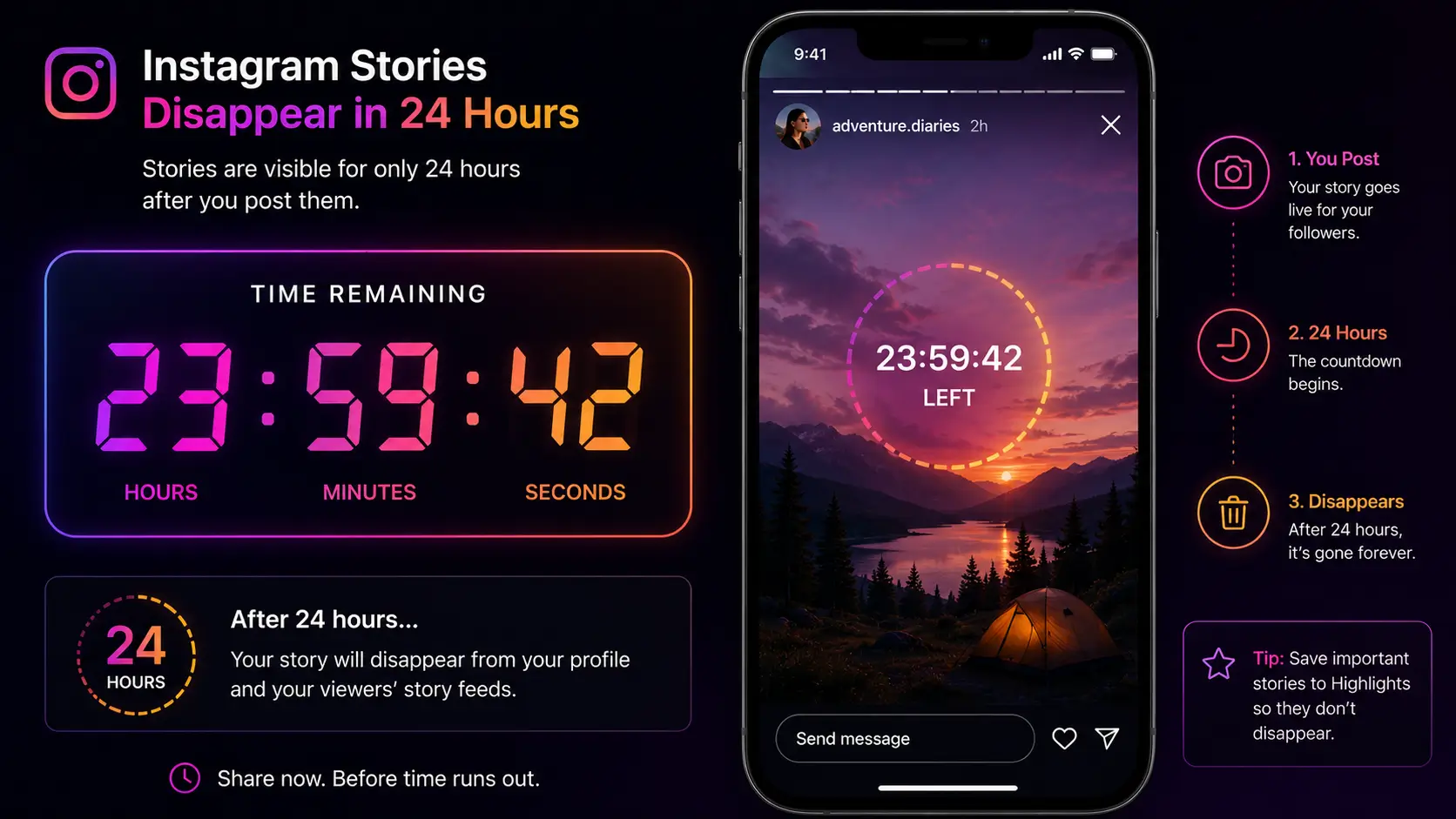
Instagram stories disappear after 24 hours by design, but there are several legitimate ways to download instagram story content before that window closes — from the native Save to Archive setting for your own posts, to web-based tools that fetch the original file for anyone else's public stories.
Instagram Stories were built around one core premise: content that disappears. Every story lives for exactly 24 hours before it’s gone, giving followers a fleeting glimpse into someone’s day rather than a permanent record. Most of the time that’s fine — but not always. A brand posts a limited-time promo code. A creator shares a recipe you need before it vanishes. A competitor runs a flash sale you need to document for a marketing debrief.
When the clock is ticking, knowing how to actually download instagram story content matters. This guide covers every real method available in 2026 — from Instagram’s own built-in archiving to third-party web tools — ranked honestly by reliability, quality, and how much risk each one actually carries.
Why saving stories is deliberately hard
Before getting into methods, it helps to understand why Instagram doesn’t just offer a universal “download” button. Stories’ entire design is built around urgency — the fear of missing out drives people back into the app repeatedly, and that urgency evaporates the moment everything becomes trivially permanent. There’s also a genuine content-ownership angle: creators generally want some control over whether their ephemeral content becomes permanently downloadable by anyone who sees it. Because of both incentives, Instagram actively works against generic scraping — patching loopholes, rotating CDN patterns, and limiting what its own native tools expose. Every method below is ranked with that ongoing cat-and-mouse dynamic in mind.
Method 1: the native "Save" feature (for your own stories)
If you’re saving content you posted yourself, this is the easiest path, and a lot of people never actually turn it on.
Auto-archiving. Open your profile, tap the menu icon, and go to Settings and Privacy → Archiving and Downloading, then toggle on Save Story to Archive. Every story you post from that point on saves privately to a cloud-based archive tied to your account, downloadable to your camera roll any time later via the three-dot menu on any archived story.
Immediate download. If you just recorded something and want the raw file before you even post it, tap the three-dot menu in the Story editor and select Save — this drops the unprocessed file straight into your device gallery.
One caveat worth knowing: if your story used interactive stickers — polls, question boxes, sliders — the saved file renders them as flat, non-interactive graphics. You get the visual, not the functionality.
It’s worth distinguishing archiving from Highlights here, since people often conflate the two. Your private Archive is exactly that — private, visible only to you, and purely a backup. Adding a story to a Highlight is a separate, deliberate action that makes it permanently visible on your public profile going forward. A story can exist in your Archive without ever becoming a Highlight, and turning on auto-archiving does not automatically make anything public; it just means you always have the option to feature something later without having lost the original file when the 24-hour window closed.
Method 2: screen recording and screenshots
For most people trying to save someone else’s content, screen recording is the instinctive first move.
What it has going for it: zero extra software, works identically on iOS (Control Center) and Android (Quick Settings), and it’s genuinely instant.
What it costs you: you’re not getting the original file — you’re recording your screen’s rendered output, which compresses video and degrades audio in the process. The recording also captures UI clutter (the poster’s username bar, the reply field, any notification that happens to pop up mid-recording) that a direct file wouldn’t include.
One persistent myth worth killing here: Instagram does not notify creators when you screenshot or screen-record a standard public story — that notification only ever applied to disappearing photos sent directly in DMs, a different feature entirely, and the two get conflated constantly.
Method 3: web-based story downloaders
When quality actually matters — competitive research, journalism, or just wanting the real file instead of a re-encoded recording — screen recording isn’t good enough. This is where a dedicated web tool earns its place.
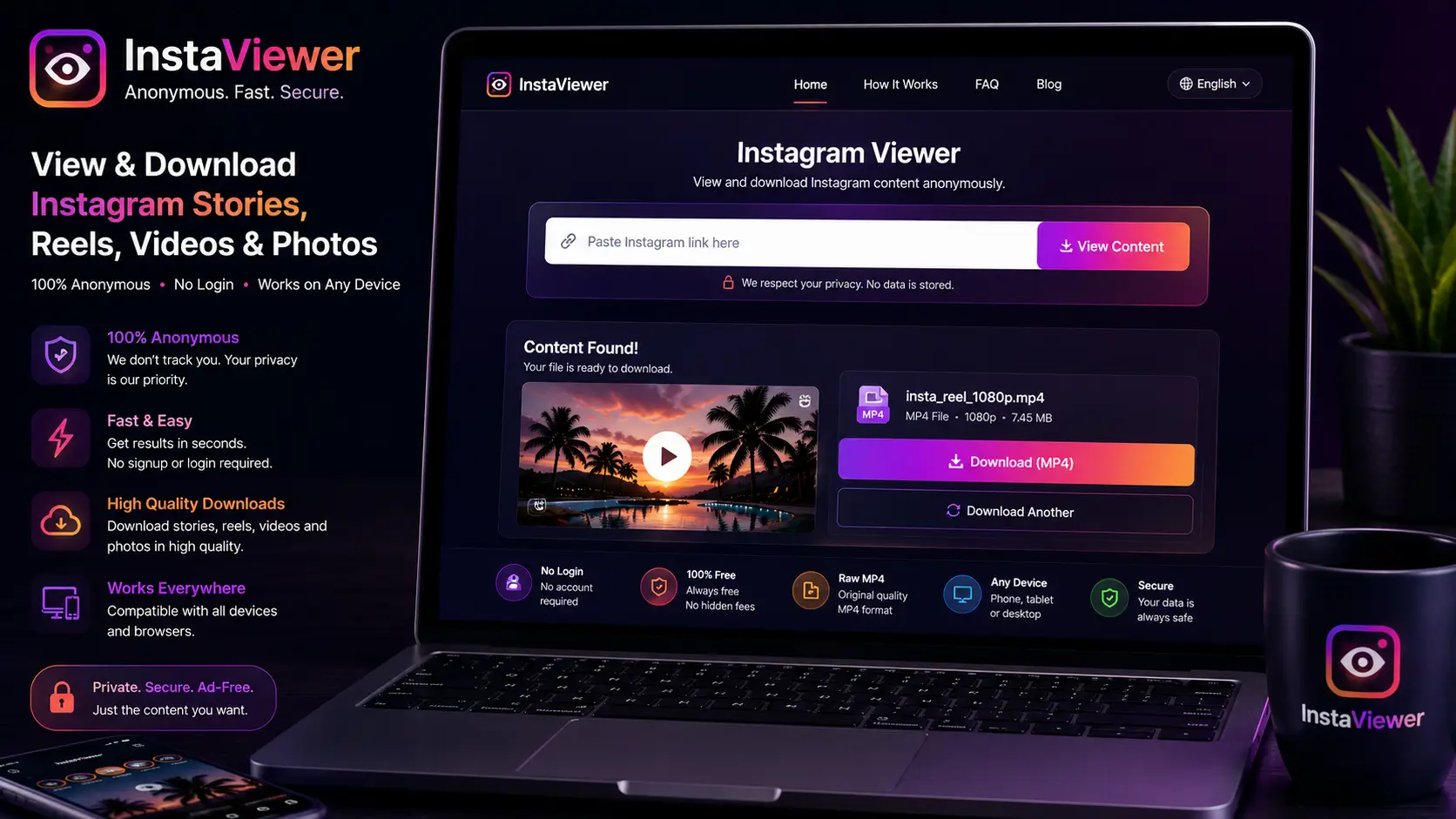
How these tools actually work: a proper web-based downloader uses server-side browsing to reach Instagram’s public pages, extracts the original CDN URL for each story slide directly (not a screen capture of it), and hands you a direct link to the unmodified file — the same quality the creator originally uploaded.
- Find a tool that requires no login. A legitimate downloader only ever needs the public username you're checking — never your own Instagram credentials.
- Enter the exact username of the account whose story you want.
- Review the current active stories. A working tool shows the full set of currently live story slides for that account, in order.
- Download the specific slide(s) you need at full original quality, image or video.
This is the exact workflow our own story viewer is built around — no login required on your end, and because the request happens server-side, the account you’re checking never sees your identity attached to the view. It’s also the only method on this list that hands you the unmodified original file rather than a lossy recording of one.
Method 4: browser extensions
If you find yourself downloading stories multiple times a day for work, jumping to a separate website each time adds friction. Browser extensions solve that by injecting a download icon directly into Instagram’s own web interface, letting you grab a file with one click while browsing normally.
The tradeoff is a real security consideration: extensions request broad permission to read and modify data on every site you visit. If a popular extension is later sold to a different developer, that access can be repurposed for something you never agreed to — session-cookie harvesting being the most common abuse case. Only install extensions with a long review history and a genuinely transparent privacy policy, and periodically audit which ones you still actually have installed.
Method 5: Telegram bots
A less obvious but genuinely fast option: dedicated Telegram bots built around Instagram’s public API surface, searchable by names like “IG Downloader Bot.”
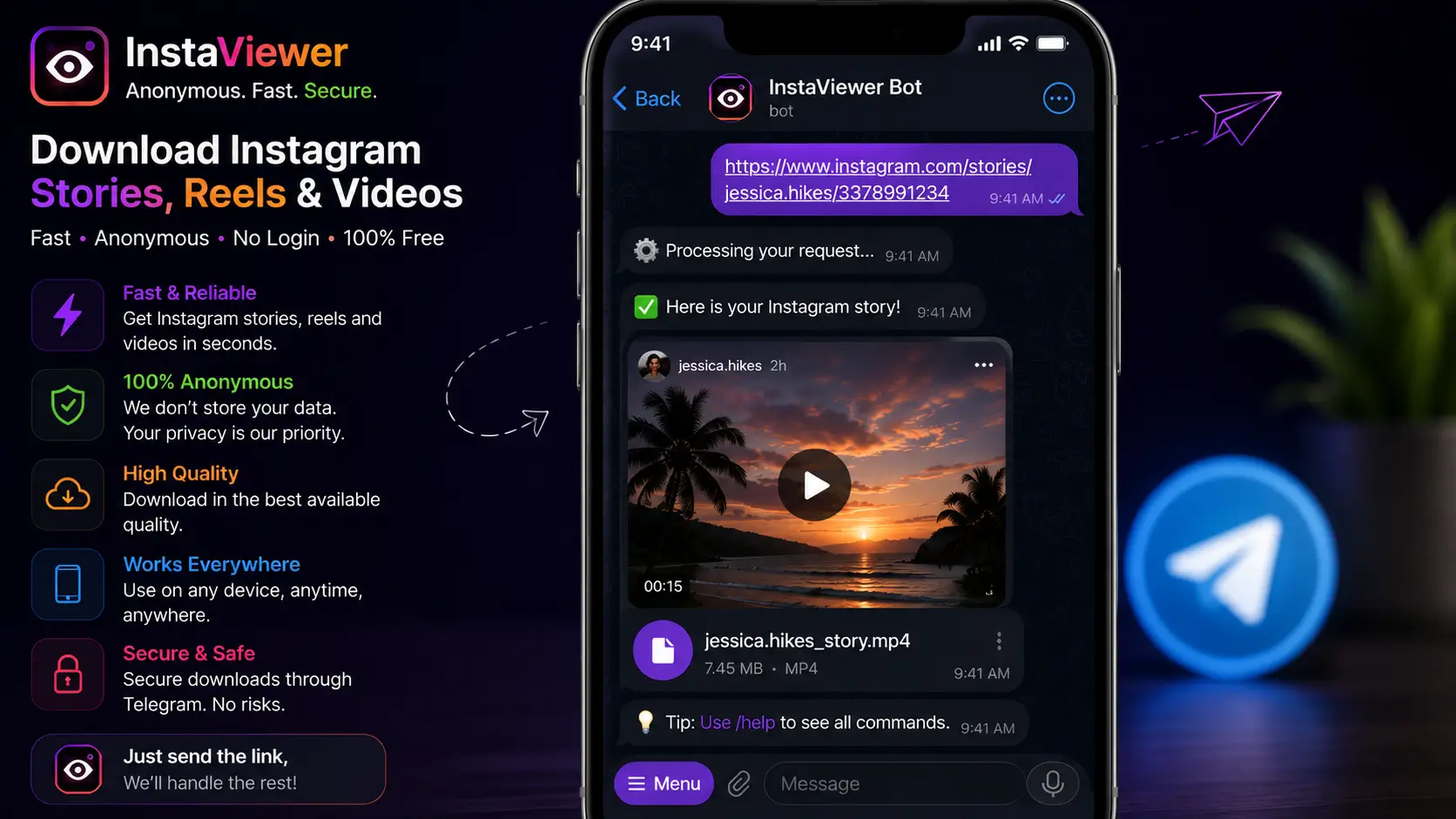
The workflow is simple: open a chat with the bot, paste the target username or profile link, and it replies directly with the current story files, which you then save through Telegram’s own native media saver. It’s mobile-friendly and avoids the ad-heavy experience some web downloader sites carry — though, as with any bot, stick to ones with an established user base and visible activity history rather than a brand-new, unverified account.
Which method should you actually use?
With five options on the table, the right choice mostly comes down to whose content it is and how much quality matters.
- Your own stories: always the native Save/Archive feature. There's no reason to route your own content through a third-party tool when the built-in option preserves full quality and interactive elements as far as Instagram allows.
- Someone else's public story, casual use: screen recording is fine if you don't need the original file — it's instant and requires nothing extra.
- Someone else's public story, quality matters: a web-based downloader, since it's the only method that gives you the unmodified original file rather than a re-encoded recording.
- Frequent, repeated downloads for work: a browser extension removes the repetitive step of visiting a separate site each time, provided you've vetted it for security.
- Mobile-first, ad-averse workflow: a Telegram bot is a solid alternative to a web tool if you're primarily on your phone and want to avoid browser clutter.
What about private accounts?
Every method above — web tools, Telegram bots, browser extensions — depends on the target account being public. If an account is private, none of these can reach its content, because the underlying data simply isn’t exposed outside the approved-follower relationship in the first place; there’s no separate download-specific access to bypass.
If you already follow a private account and want to save their story:
- Screen recording remains the most reliable option for content you’re already authorized to see.
- Inspecting network traffic via a desktop browser’s developer tools, while logged in as an approved follower, is technically possible but genuinely tedious and not something casual users should bother with.
Treat any tool claiming to bypass a private account’s story specifically — as opposed to working on public accounts, which is legitimate — as a scam. For the full technical explanation of why that’s true, see our guide on viewing private account stories anonymously.
Troubleshooting common problems
The video won’t save or the download link is broken. Story CDN URLs are typically time-limited signed links — if too much time passes between loading the tool and clicking download, the link can expire. Refresh the page and re-fetch rather than trying to reuse an old link.
The quality looks worse than expected. Confirm you actually used a web-based downloader and not a screen recording — the two produce meaningfully different quality, and it’s easy to mix them up in memory after the fact. If you did use a direct-download tool and quality still looks reduced, the original story itself may have been uploaded at reduced quality by the poster (common on slower connections), which no download method can improve on.
The story is gone before you got to it. Once the 24-hour window closes and the story wasn’t added to a Highlight, there’s no reliable way to retrieve it after the fact for someone else’s account — this is the one scenario with no workaround, which is exactly why checking accounts you care about somewhat regularly, rather than only when you remember, matters if archival is a real priority for you.
Legal and ethical considerations
Being able to download a story doesn’t automatically mean you should, in every context. Saving a competitor’s promotional story to review privately with a marketing team is a normal, low-risk use of fair use. Downloading a creator’s video, stripping their watermark, and reposting it as your own on a separate account is a different matter entirely and can constitute real copyright infringement. For the fuller legal breakdown of where anonymous viewing sits relative to Instagram’s own terms of service, see our guide on whether anonymous story viewing is legal.
Consent matters just as much as copyright here. Archiving someone’s disappearing content specifically to harass, pressure, or monitor them crosses a line that has nothing to do with file formats or download methods — ephemeral media was designed to be temporary on purpose, and respecting that intent matters independently of whether you’re technically capable of overriding it.
Conclusion
Whether you need the quick-and-dirty screen recording method, the higher-fidelity web tool approach, or the convenience of a Telegram bot, you now have a realistic picture of what actually works before the 24-hour window closes. Prioritize methods that never ask for your own Instagram password, and keep the ethical boundary in mind — the fact that content can be saved doesn’t erase the reason it was posted as temporary in the first place. When in doubt, default to the method that requires the least trust in a third party: your own native archive settings for your own content, and a login-free web tool for everything else. Set up auto-archiving today if you haven’t already, since it’s the one method on this list that costs nothing to leave running in the background.
Frequently Asked Questions
Straight answers about how the tool works, what it can and can’t do, and how to use it safely.
Does the account owner get notified if I download their story?
Not through a properly built, server-side web tool — the request never touches your personal account, so nothing shows up in their viewer list. Screen recording similarly triggers no notification on standard public stories.
Can I download a story after the 24 hours have passed?
Generally no, once the story itself has expired from the platform, unless it was added to a Highlight (which makes it permanently viewable and downloadable the same way) or the poster has it saved to their own private archive, which you don't have access to.
Why does a screen-recorded story look worse than the original?
Screen recording captures your device's display output, which re-encodes the video through your screen and microphone rather than preserving the original file — this introduces compression artifacts and quality loss that a direct file download avoids entirely.
Is downloading someone's public story and reposting it legal?
Downloading for private viewing is generally treated as fair use in most contexts. Reposting someone else's content as your own, especially after removing their watermark or credit, is a separate matter and can constitute copyright infringement.
Do web-based downloaders work on video AND photo stories?
Yes — a properly built tool detects the media type per story slide and fetches the original file whether it's a photo or a video, rather than assuming every story is one type or the other.